Home — the daily dashboard
Home is what you land on after signing in. Three cards, all about today and this week.
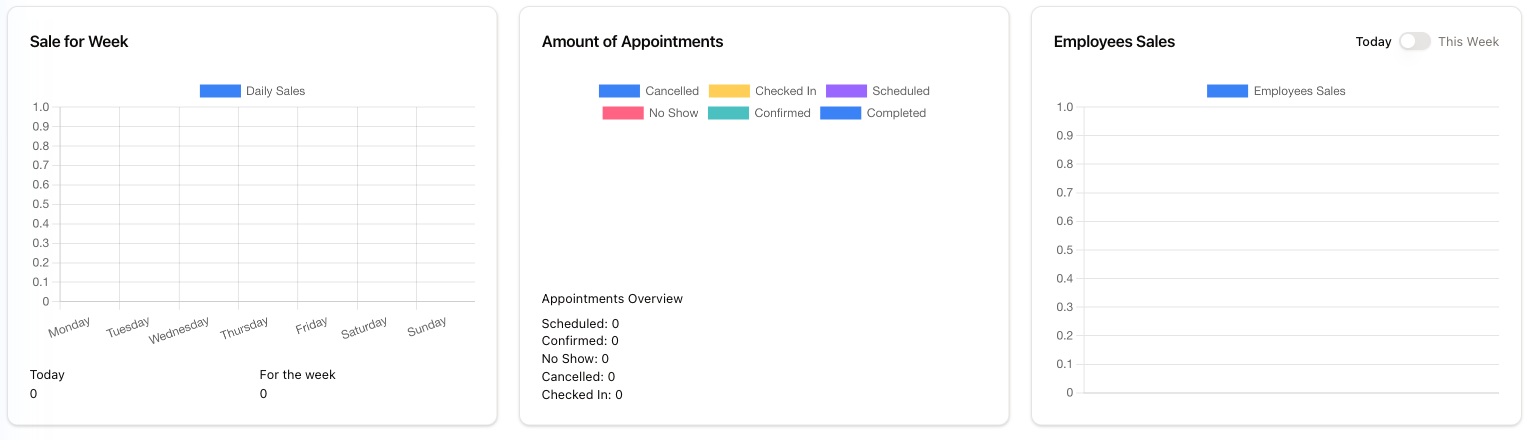
Sale for Week
A bar per day, Monday to Sunday, of what the store took. Underneath, two running figures: Today and For the week.
Amount of Appointments
Today's appointments by status, colour-coded, with Appointments Overview counting them underneath: Scheduled, Confirmed, No Show, Cancelled and Checked In. It answers the morning question: how full is today, and how many people have actually turned up.
Employees Sales
Sales per employee, with a Today / This Week switch in the corner.
The frame around the dashboard
Above every screen sits the patient search — Name, Last Name, DOB, Phone, Address and Search, with the chevron opening more fields. On the right: Recent Patients, Lookup Frame, Add Patient, Check Gift Card, and Find Invoice. Along the bottom of every screen: Share Screen, Report Issue and Chat with Support.
All of these, plus the sidebar and switching store, are explained in Getting around — the sidebar, the top bar and its quick tools. Your own password, commission and schedule are in the menu under your name at the bottom of the sidebar — see Your account.
Signing in
Three wrong Express Login PINs in a row disable the PIN box for a minute — wait it out rather than trying again. Wrong passwords have their own, longer lock. Both are explained in Signing in.
If a card is missing
Sale for Week only appears for accounts allowed to see practice income. If you cannot find it, that is permissions rather than a fault.